tto / docs / azure / express route
Create Express Route Circuit in the Azure portal. Then send subscription id and service fey to the provider for provisioning.
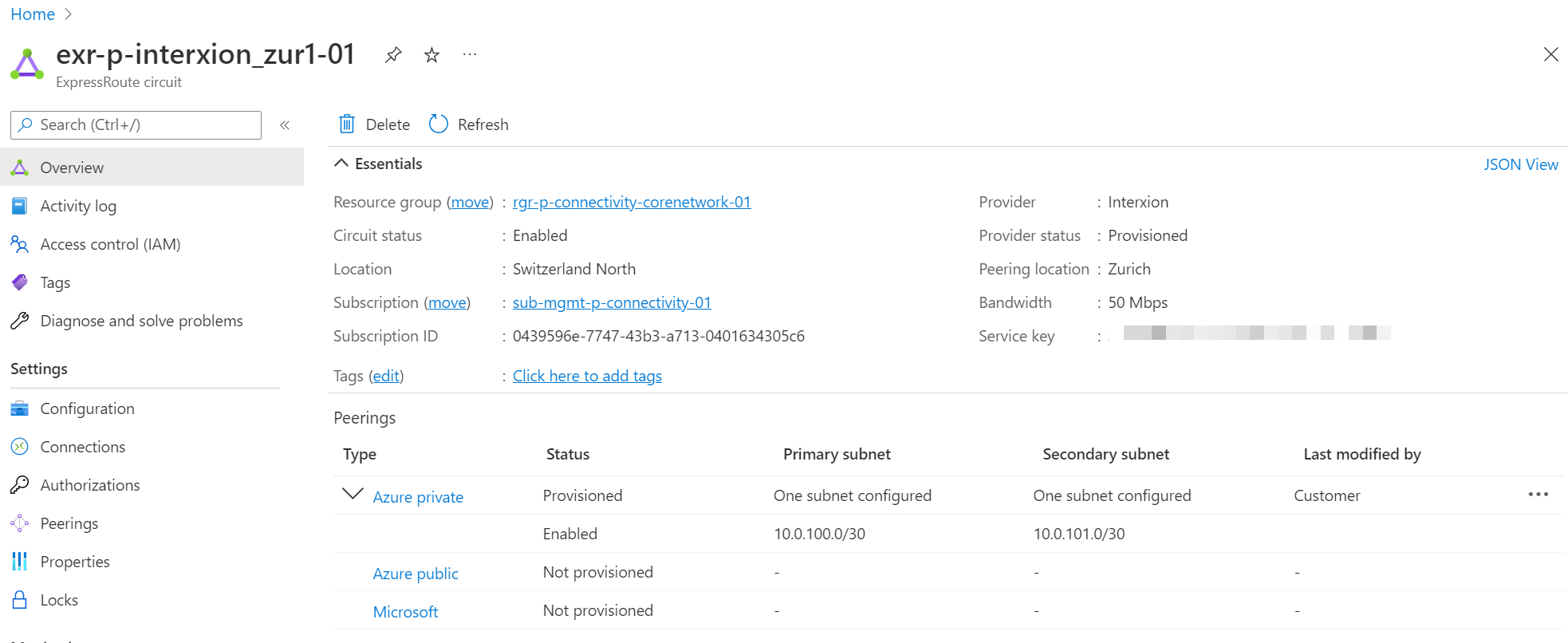
The express route circuit itself is not connected to anything, it must be connected to a [virtual-wan] hub or virtual network gateway.
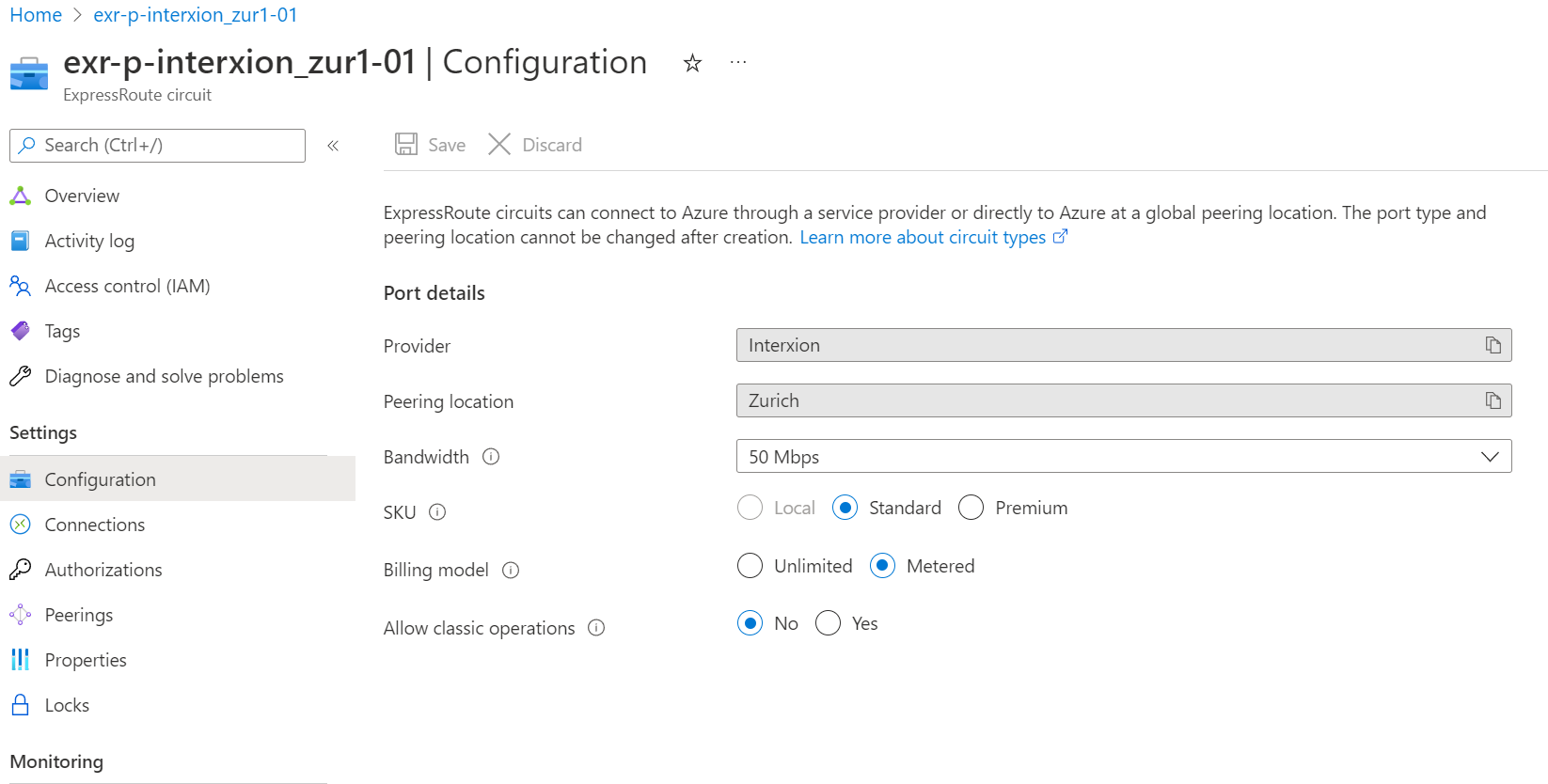
Configuration
The configuration settings must be known before provisioning. Check provider documentation.
Peerings
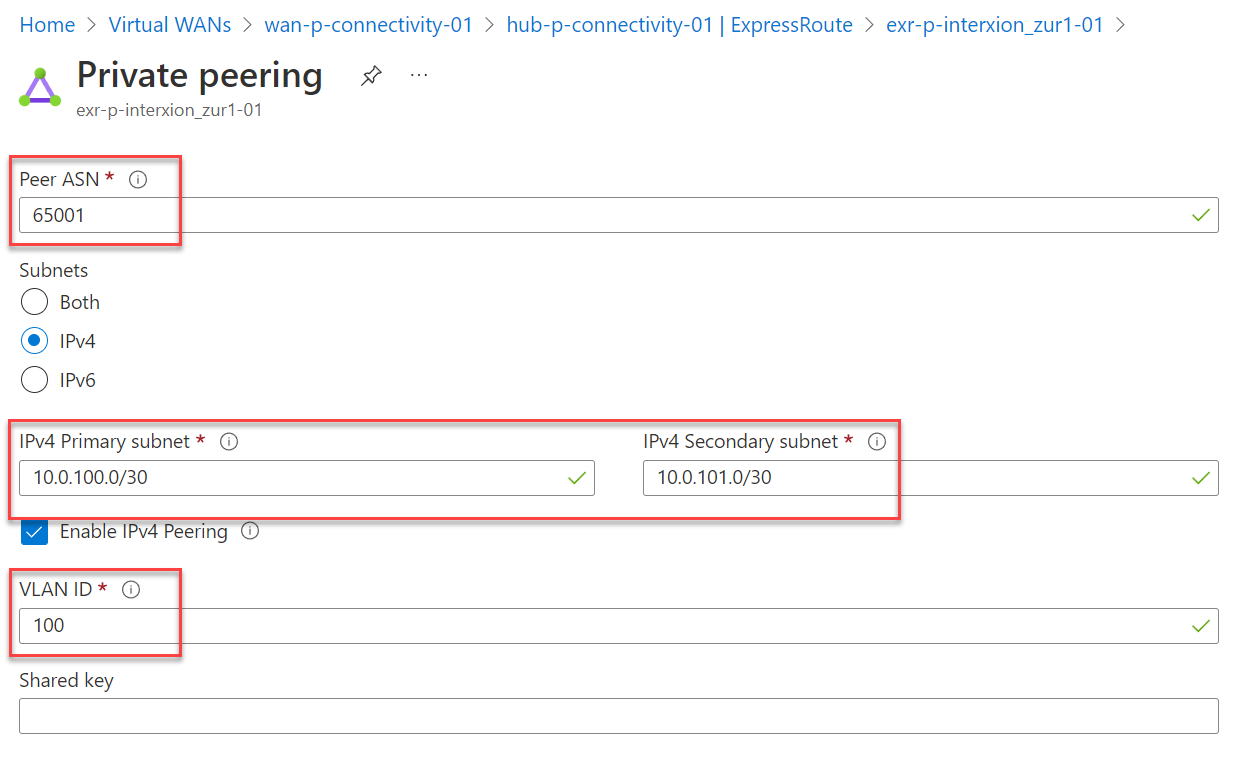
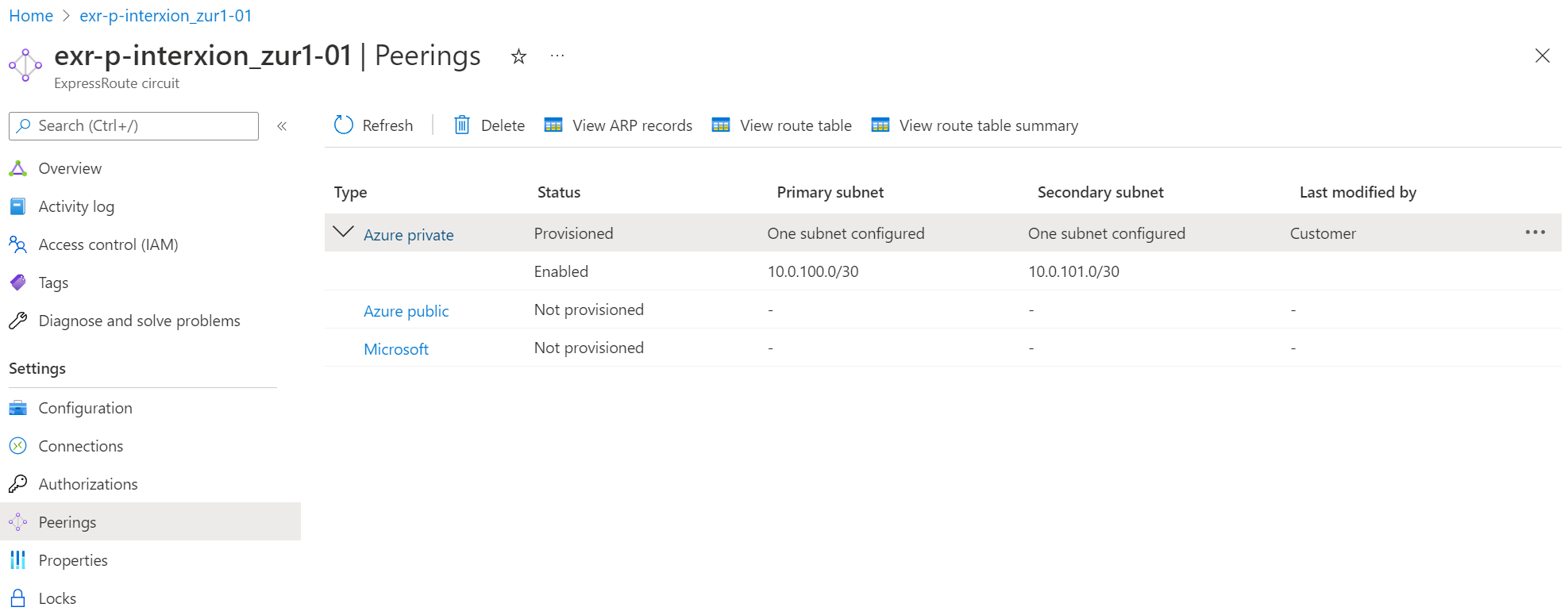
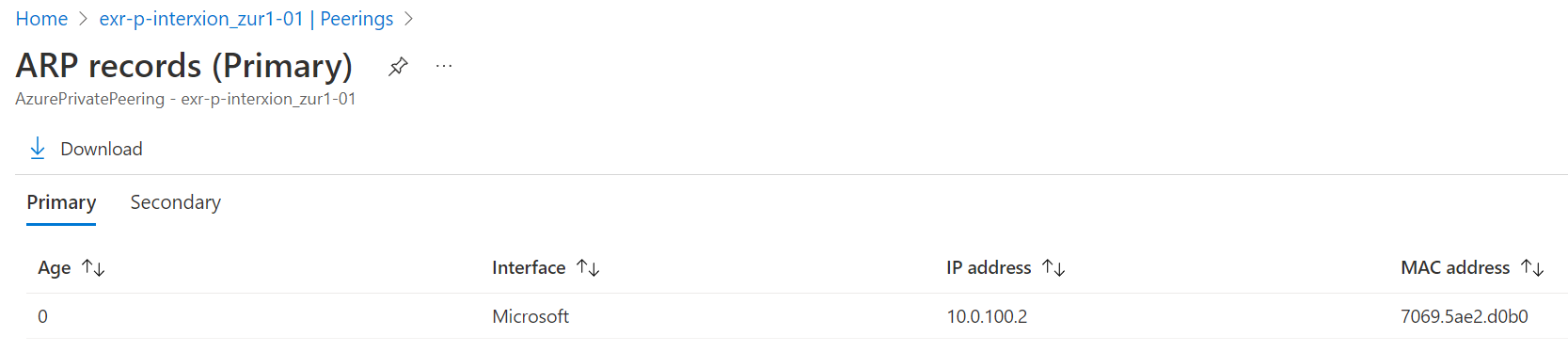
To create a private peering, specify two /30 network ranges. Azure will use the second address in each range. Use the ARP table to verify the IP and MAC addresses.
Microsoft peering could be used for dynamics or m365 but is not recommended as those services are designed to be consumed over public internet.
Microsoft uses 12076 as ASN for Azure private peering. Specify 12076 as remote-as in the [BGP] configuration.
Configure the VLAN Id and the locally used AS number.
On the local device, configure a tagged interface with the specified VLAN id.